Phase 2 · Measure
How to draw a value stream map, step by step
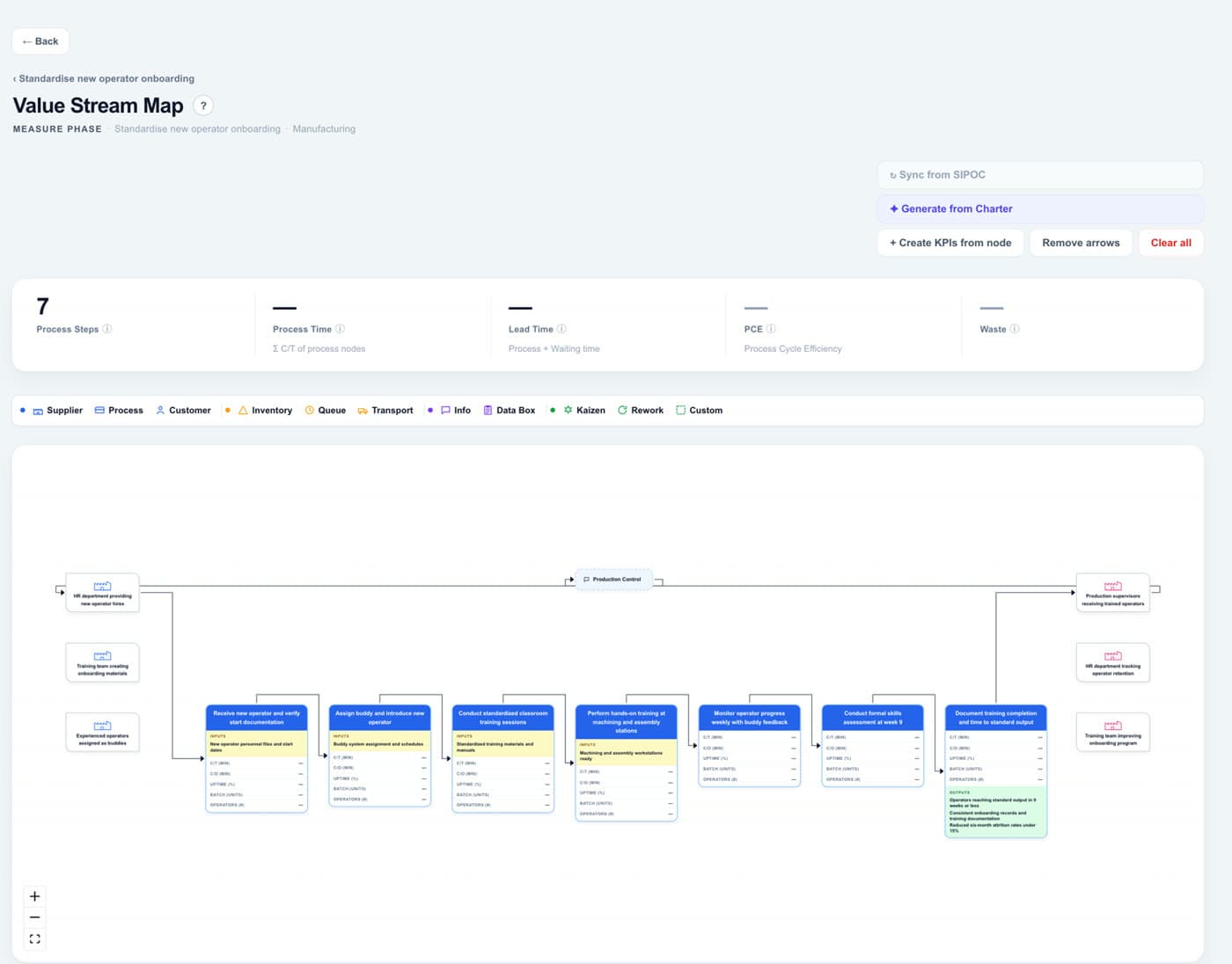
A value stream map follows one unit of work from the first trigger to delivery and records, at each step, how long it is worked on and how long it waits. It shows where the lead time goes before anyone proposes a change.
In short
A value stream map (VSM) is a Lean diagram of every step a product or service goes through, from supplier to customer, with the process time and waiting time of each, so the team can see the total lead time and where it is lost.
What it is
Each step gets a box with its process time, the time someone actually works on the unit. Between the boxes go the queues and the waiting. Adding both gives the lead time, and dividing process time by lead time gives the process cycle efficiency (PCE).
You map the current state first, as it really runs, and only then design the future state. The gap between the two maps becomes the improvement plan.
When to use it
- In the Measure phase, once the SIPOC has fixed where the process starts and ends.
- When the lead time is long and nobody can say where the time goes.
- Before redesigning a process, so there is a measured starting point to compare with.
How to do it, step by step
- 1Choose the unit and the boundaries. One product, order or person, followed from the first trigger to delivery. Use the same start and end as the SIPOC.
- 2Walk the process. Follow a real unit where the work happens. Draw the steps in the order they actually occur, not as the procedure describes them.
- 3Record the process time of each step. The time actually spent working on the unit. Measure it, or ask the people who do it, and mark which figures are estimates.
- 4Record the waiting between steps. Queues, stock, time waiting for a person or a machine. Most of the lead time usually hides here.
- 5Add up the lead time and calculate the PCE. Lead time is process time plus waiting. PCE is process time divided by lead time.
- 6Mark where to act. Circle the longest waits and the steps that cause them. They are the candidates for the future state.
Worked example
Case: a plant that wants new operators to reach standard output sooner.
| Step | Process time | Waiting time |
|---|---|---|
| Induction and safety training | 2 days | 3 days (waiting for a buddy) |
| Shadowing a buddy | 3 days | 12 days (the buddy changes with the shifts) |
| Practice at the workstation | 10 days | 25 days (stations taken up by production) |
| Skills assessment | 1 day | 9 days (waiting for an assessor) |
| Release to production | 1 day | 4 days |
| Total | 17 days | 53 days |
| Lead time and PCE | Lead time: 70 working days (14 weeks) | PCE: 17 ÷ 70 = 24% |
Common mistakes
- Mapping the process as the procedure describes it rather than as it actually runs.
- Recording process times and leaving out the waiting, which is where the lead time goes.
- Designing the future state before the current state has been measured.
- Drawing it alone at a desk: the people who do the work know where it stops.
Frequently asked questions
What is the difference between a value stream map and a process map?
A process map shows the sequence of steps and decisions. A value stream map adds times, queues and the flow of information, so you can see how long the unit waits and where.
How do you calculate process cycle efficiency?
Divide the total process time by the lead time. A low PCE means most of the lead time is waiting rather than work.
What is takt time, and does it belong on a VSM?
Takt time is the available working time divided by customer demand: the pace at which the process has to deliver. It is usually written next to the customer, so each step’s time can be compared with it.